


06 Nov How Do I Organize and Preserve Family Photos, Documents and Oral Histories?
Start by sorting, labeling and copying before you clean, repair or throw anything away. Put the papers, photographs and recordings in one place, write down who and what they show, store the originals in photo-safe housing away from heat and damp, make at least two digital copies kept in different places, and record the people who can still name the faces. That order protects what you have and keeps the stories attached to the objects. Here is each step in plain language, with the source next to the advice.
By Aisha LaDon Abdul Rahman, MLIS, PhD. I have done genealogy research for almost 30 years. Separately, I have worked professionally in archives for 3 years.
Step 1: Gather everything in one place and stop fixing
Bring the boxes, albums, envelopes and loose papers to one clean table. Do not tape a torn page, peel a photo off a sticky album page, or scrub anything. Handle prints by the edges, with clean hands, and keep food and drink away from the table. The Library of Congress gives these same handling basics in its guidance on the care, handling and storage of photographs. If a bulb blower is handy, use it to lift dust. The Library of Congress says to avoid canned air and brushes, which can scratch.
Step 2: Sort by kind, then write down who and what
Make simple piles: photographs, letters and documents, certificates and legal papers, newspaper clippings, audio and video, and objects. Within each pile, note where it came from, such as “Grandma’s cedar chest” or “found in Uncle’s desk.” That origin note is part of the record.
Names matter more than anything else you can add. The Library of Congress advises avoiding marks on photographs if you can. If you must write on one, use a soft graphite pencil, lightly, on the back near the edge, and marking the housing is preferred (Library of Congress, Care, Handling and Storage of Photographs). A safer habit is to number each item’s folder and keep a separate list: who is pictured, the place, the year if you know it, and who told you.
Step 3: Store the originals the safe way
According to the same Library of Congress page:
- Use photo-safe boxes and enclosures that meet ISO 18902, and keep negatives separate from prints.
- Avoid paper clips, rubber bands, self-adhesive tape, glue and sticky notes.
- Avoid albums with colored, “magnetic” or sticky pages. Photo-safe albums are acceptable.
- Aim for steady conditions, 30 to 50 percent relative humidity and 70 degrees Fahrenheit or cooler, and stay away from attics, basements, exterior walls, vents and radiators.
If something is damaged in a way better storage cannot fix, the Library of Congress suggests consulting a photograph conservator (source). Keep the originals even after you scan them. A scan is a copy, and the original still carries information a scan can miss.
Step 4: Make digital copies and name them clearly
The Library of Congress personal archiving pages describe four moves for digital photos, documents and audio: identify what you have, decide what is worth keeping, organize it, and make copies. Organizing means descriptive file names, folders, and a short written summary of what the folders hold. Keep at least two copies on different kinds of storage, place them as far apart as practical, check that the files still open at least once a year, and make fresh media copies about every five years (documents, photos, audio). It also advises keeping a printed copy of your summary with your important papers.
A file name that works for a family might read: 1952-wedding-johnson-smith-church-steps. Put the year first so the files sort in order. If you plan to digitize audio or video tapes, the post on planning an audiovisual archive digitization project that lasts walks through the planning.
Step 5: Record the people while you can
Photographs and papers rarely say who is who. The people who know are often elders. The Library of Congress family history guide suggests recording the conversations that heirlooms prompt, so the stories are kept along with the objects, and making copies to share with relatives (Library of Congress, Preserving Family Documents, Artifacts and More).
The Library of Congress Veterans History Project writes its interview guidance for veterans, but the habits carry over to any family interview. It says to hold a pre-interview, write personalized questions, test your equipment, and check batteries and microphones because poor audio can ruin an interview (Step 1: Prepare). It also advises open-ended questions, follow-up questions that build on what the person says, a quiet and comfortable location, pausing or stopping if the person is distressed, and showing old photographs to trigger memories (Step 2: Participate). Keep a running log of topics so you can find a story later.
My channel has two videos on this: Essential Questions to Ask Elders for Family History Research and How to Interview Uncooperative Family Members for African American Genealogy. Both sit in the playlist Tracing Roots: African American Genealogy Basics.
Step 6: Tie the stories to the records
Once the photos have names, check them against records. A name in a photo caption can lead to a census page, a church register or a deed. For the next steps in the paper trail, read Uncovering Your African American Roots: A Step-by-Step Guide, and if your family line stops before 1870, read How Do I Research Enslaved Ancestors When Their Names Are Missing? and Why African American Genealogy Gets Harder Before 1870. For the reasons digitizing matters for African American families, see Preserving Your African American Family History: The Importance of Digitizing Records and Digital Curation and Preservation for Genealogy.
Frequently asked questions
Should I throw away the originals after I scan them?
No. Keep them in good storage. The Library of Congress recommends storing valuable originals safely and, for photographs of personal or historic value, displaying a copy instead of the original, because light causes irreversible damage over time (Library of Congress, Photographs FAQ).
How many copies of my digital files do I need?
At least two, and more is better, on different kinds of storage and in different places (Library of Congress, Personal Archiving).
Is it safe to write names on the back of a photograph?
Only if you must. Use a soft graphite pencil, lightly, near the edge, or mark the folder or envelope instead (Library of Congress).
Where should I not store family papers and photos?
Not in attics, basements, along exterior walls, or near vents, fireplaces and radiators (Library of Congress).
Need help with a pile of family documents or photos?
If you are looking at boxes of papers and photographs and do not know where to begin, I can help you sort out the next step. Every service I offer starts with a 60-minute Discovery Call. I listen to what you have and what you want to do with it, and I tell you what is possible and what the right next step is. You can book a Discovery Call here.
Sources
- Library of Congress, Care, Handling and Storage of Photographs
- Library of Congress, Photographs FAQ
- Library of Congress, Preserving Family Documents, Artifacts and More
- Library of Congress, Personal Archiving: Personal Digital Records, Digital Photos, Audio
- Library of Congress Veterans History Project, Step 1: Prepare and Step 2: Participate
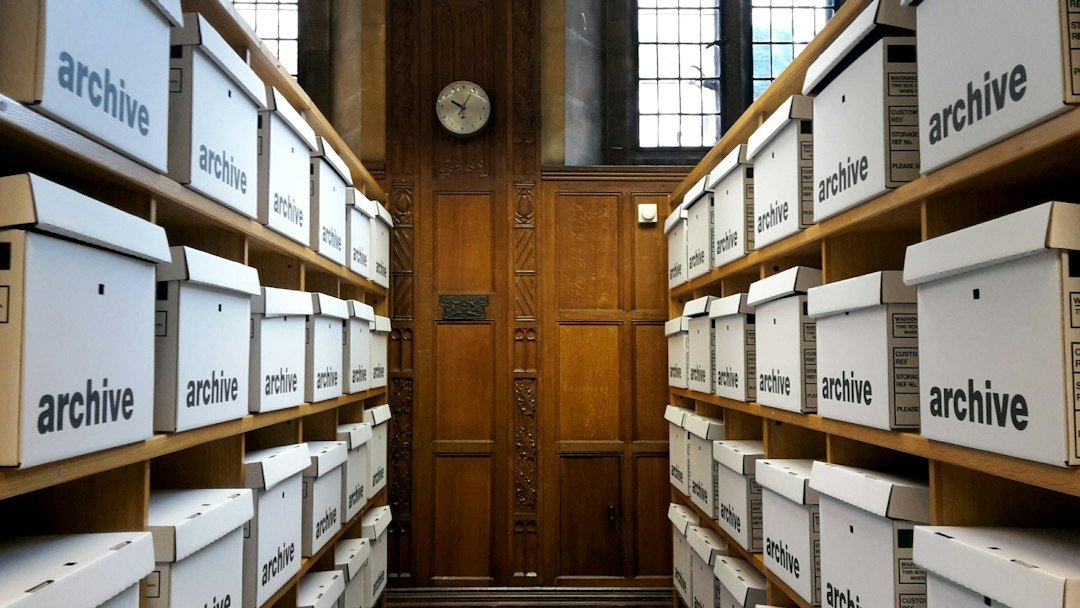
Featured photo by Luke Caunt on Unsplash