



26 Oct AI Can Now Search Handwriting by Keyword. Here’s How to Use It Without Getting Fooled.
Photo: Magda Ehlers on Pexels
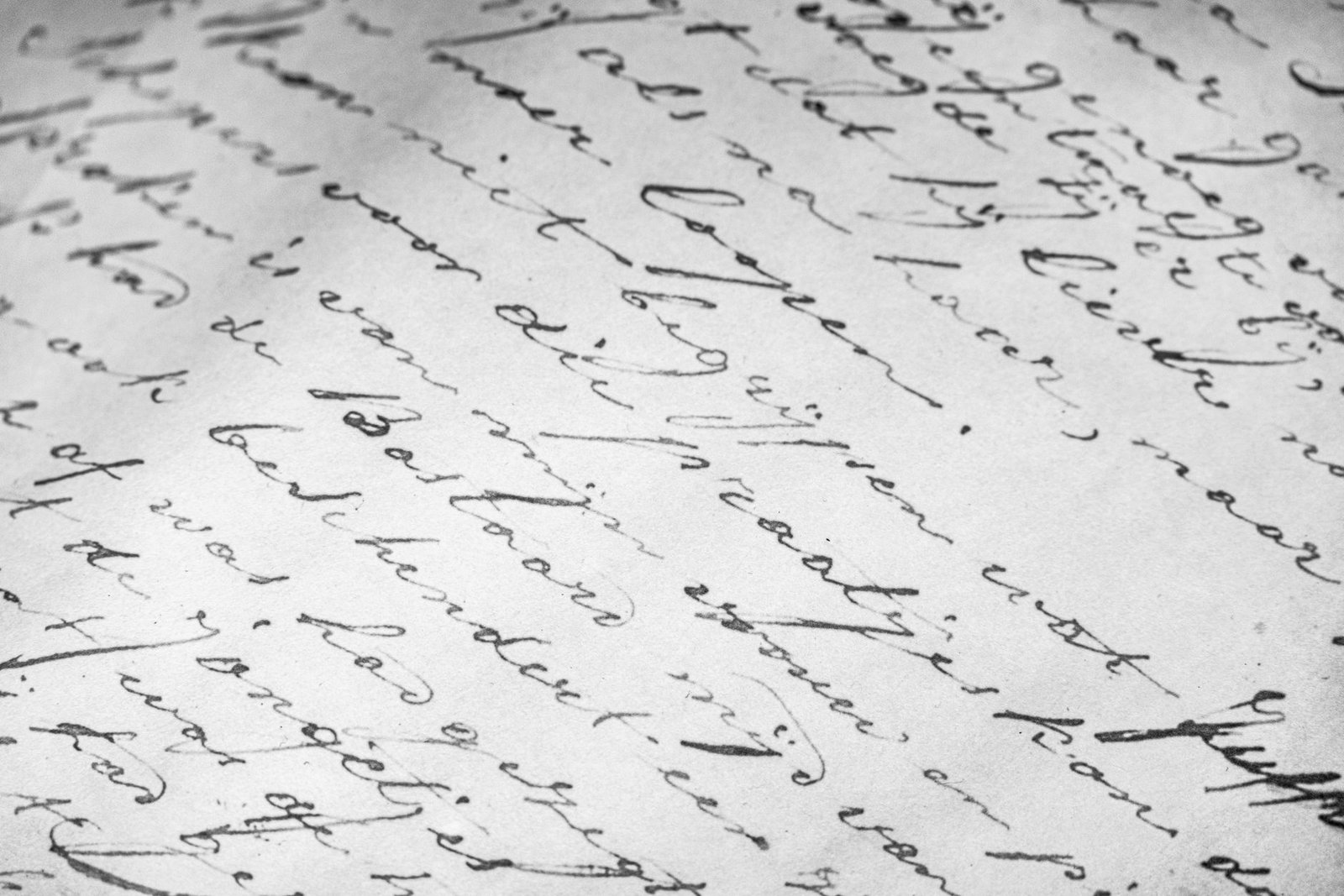
For most of my career, a handwritten record meant one thing: somebody had to read it by eye.
That is changing, and it’s the biggest shift I’ve seen for researchers in years. Three major genealogy sites now use AI to read handwriting, and you can search the result by keyword.
What changed
FamilySearch Full-Text Search. It uses handwriting recognition to turn scanned record images into searchable text. As of March 2026, it had analyzed 2.3 billion images across nearly 30 countries. The preserved microfilm archive holds about 5.3 billion images, which leaves roughly 3 billion still to go. Developers are prioritizing underrepresented collections, including American South plantation records.
MyHeritage Scribe AI. Introduced in March 2026, it transcribes and translates documents and dates photographs from clues like clothing and architecture. It also reads gravestones. Free use is limited, with more under paid plans.
Ancestry. At RootsTech 2026 it added a Transcribe button that reads handwritten or typed records, Photo Insights that suggest a rough date and place for old photos, and Get Ideas, a research assistant that suggests next steps. It also made 2.4 million pages of Revolutionary War pension files on Fold3 fully text-searchable.
Why searching handwriting by keyword matters
Indexes only capture what an indexer chose to type: usually a name, an age, a place. Everything else on the page stayed buried. A keyword search across the whole transcript can surface a neighbor’s name, a plantation, a church, a remark in the margin. For those of us researching ancestors before 1870, records that were never indexed are often where the answer is hiding.
What’s still imperfect
A review in Family Tree Magazine called FamilySearch’s transcription highly accurate, if imperfect, especially with unusual record formats. A panel at RootsTech 2026 also warned that AI can produce false, biased or fabricated information, and that when it runs out of verifiable material it may tell you what you want to hear.
I know why that matters. The brig Tribune manifest lists Rachel Daggs as “Rachel Dags.” A search engine that sees only one spelling will miss the other. A system that quietly fixes the spelling may erase the clue.
Three rules I follow
- Search every spelling. Try the variants, the phonetic versions and the misreadings. The machine reads what’s on the page, and the page may be wrong.
- Look at the original image. Treat the transcript as a finding aid. Cite the document, not the AI’s reading of it.
- Treat generated summaries as a first draft. If an AI gives you a fact, an age or a relationship, find it in the record before it goes in your tree.
What you should never upload
Do not upload your DNA match lists, or any information about living people, to an AI tool. Genealogist Katherine Borges, speaking at RootsTech 2026, warned that once the data is uploaded, there’s no way to call it back. Your matches never agreed to that. Keep their names and trees in the tool they trusted with them.
Where to start
Pick one ancestor and one stuck question. Run it through FamilySearch Full-Text Search, which is free. Read the images yourself. Write down what the machine found and what you confirmed. If you want to disclose AI use in your research notes, do. It builds trust.
Bring me a record you can’t read
Every Thursday at 7:00 PM Pacific I work through reader questions on camera at the Reference Desk. Send one about a handwritten record, an odd spelling, or a document that doesn’t add up. You never have to appear on camera. About six questions get answered live each session. Send yours at the Reference Desk.
Sources
- AARR, Genealogy Sites Race to Add AI Tools, but Researchers Warn Users to Check the Work (August 2026)
- Family Tree Magazine, Roundup: AI Tools at Ancestry.com, FamilySearch and MyHeritage
- FamilySearch, Full-Text Search leaves FamilySearch Labs
- Ancestry, What’s New at Ancestry at RootsTech 2026
- National Archives microfilm M1895, Roll 7, brig Tribune manifest (Aisha’s research)